
Customer relationship management
Manage relationships, not just records.
Customer relationship management only works if the history, the people and the next action live together. bizzMate is built around that idea rather than around a database of rows.
No credit card required · Set up in minutes · AUD pricing
The situation
What usually goes wrong.
If none of this sounds like you, bizzMate may not be solving a problem you have — and we would rather you found that out here.
The data is there, the context is not
You have the email address and the company name. What you do not have is what was promised in March, who else was in the meeting, and why the last quote went nowhere.
The relationship lives in one person's head
Which is fine, right up until that person is unavailable — and then the customer has to explain their own history back to you.
Every system holds a different fragment
The inbox has the conversation, the accounting system has the invoice, the shared drive has the proposal, and nothing knows about anything else.

Growing businesses
The relationships outlast the people who built them.
When someone changes role or leaves, the customer history stays with the customer.
A record that holds the whole relationship
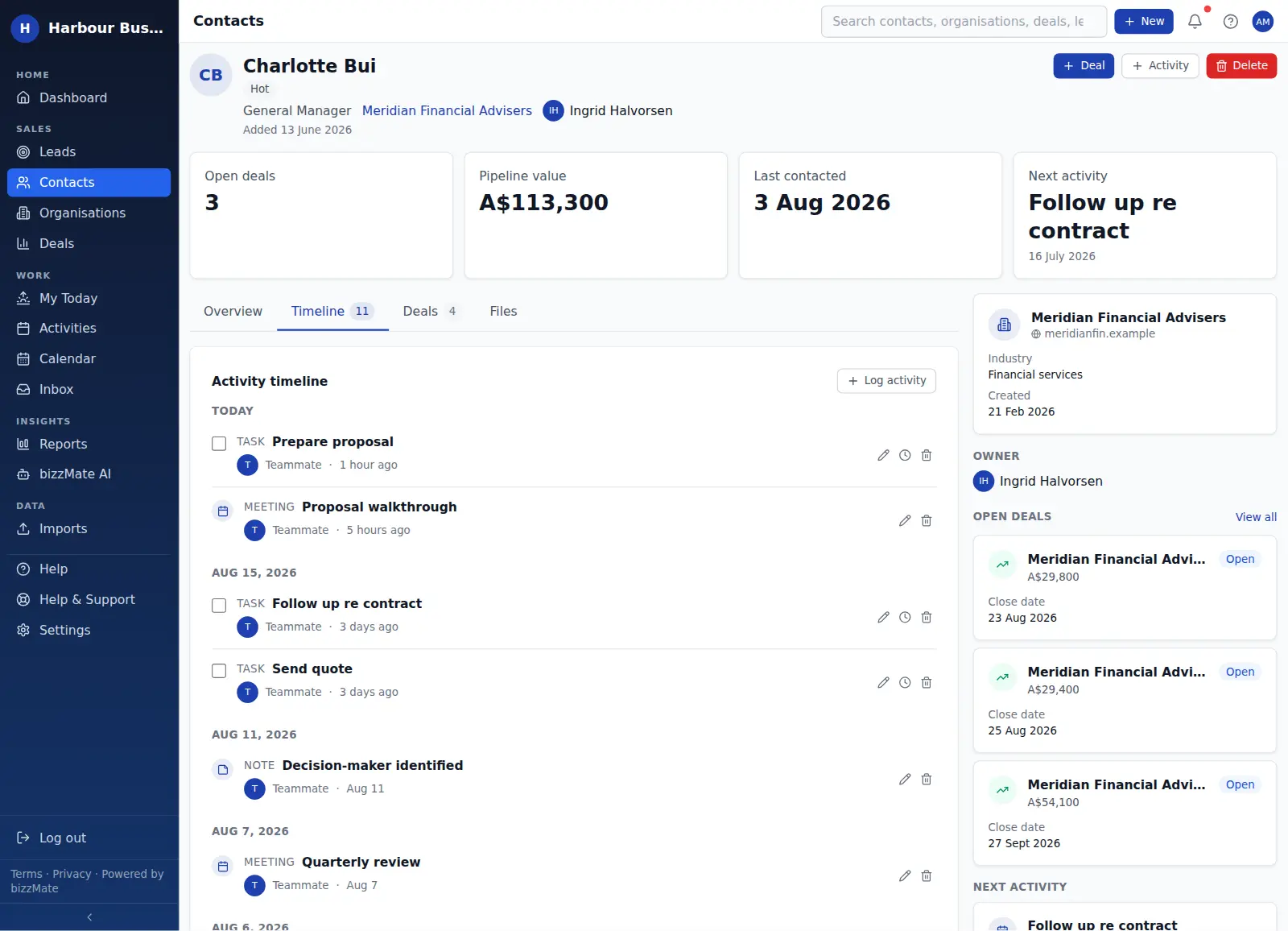
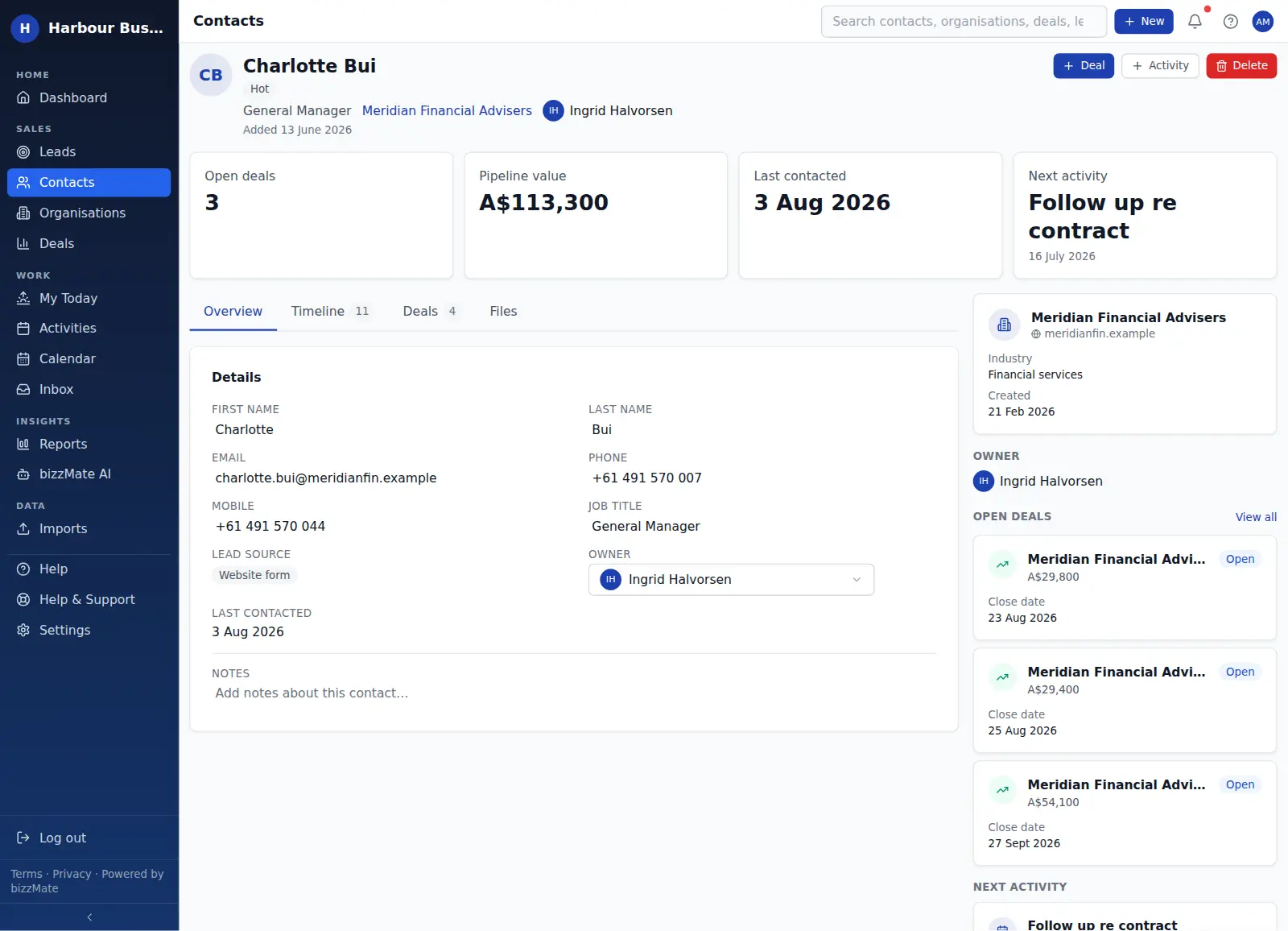
Contacts, organisations and deals each open as a workspace: the summary figures, the detail, the full timeline, the related records and the files — side by side rather than across four tabs.
That layout is the same everywhere, so learning one record type means knowing all of them.
History that reads like a story
The timeline merges activities, notes, files and synced email into one chronological thread per record, attributed to whoever did each thing and grouped by day.
Anyone on your team can read it in a minute and know exactly where the relationship stands — which is what makes coverage during leave, and handovers between people, actually work.
Companies as first-class records
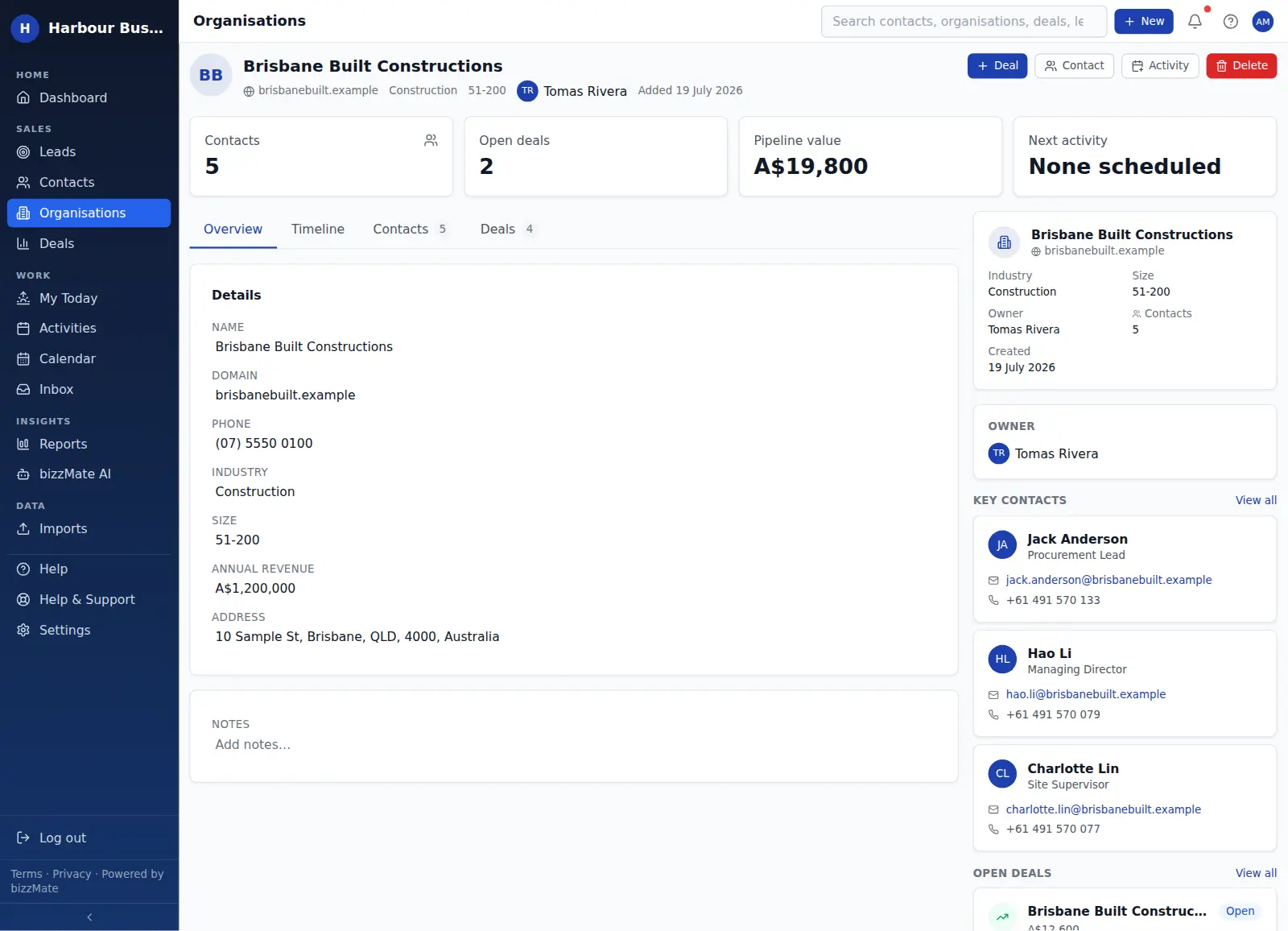
Selling to a business is rarely a relationship with one person. An organisation record holds every contact at that company, every open and closed deal, and the activity logged across the whole account.
So when your main contact moves on, the relationship does not restart from zero.
Context, summarised when you need it
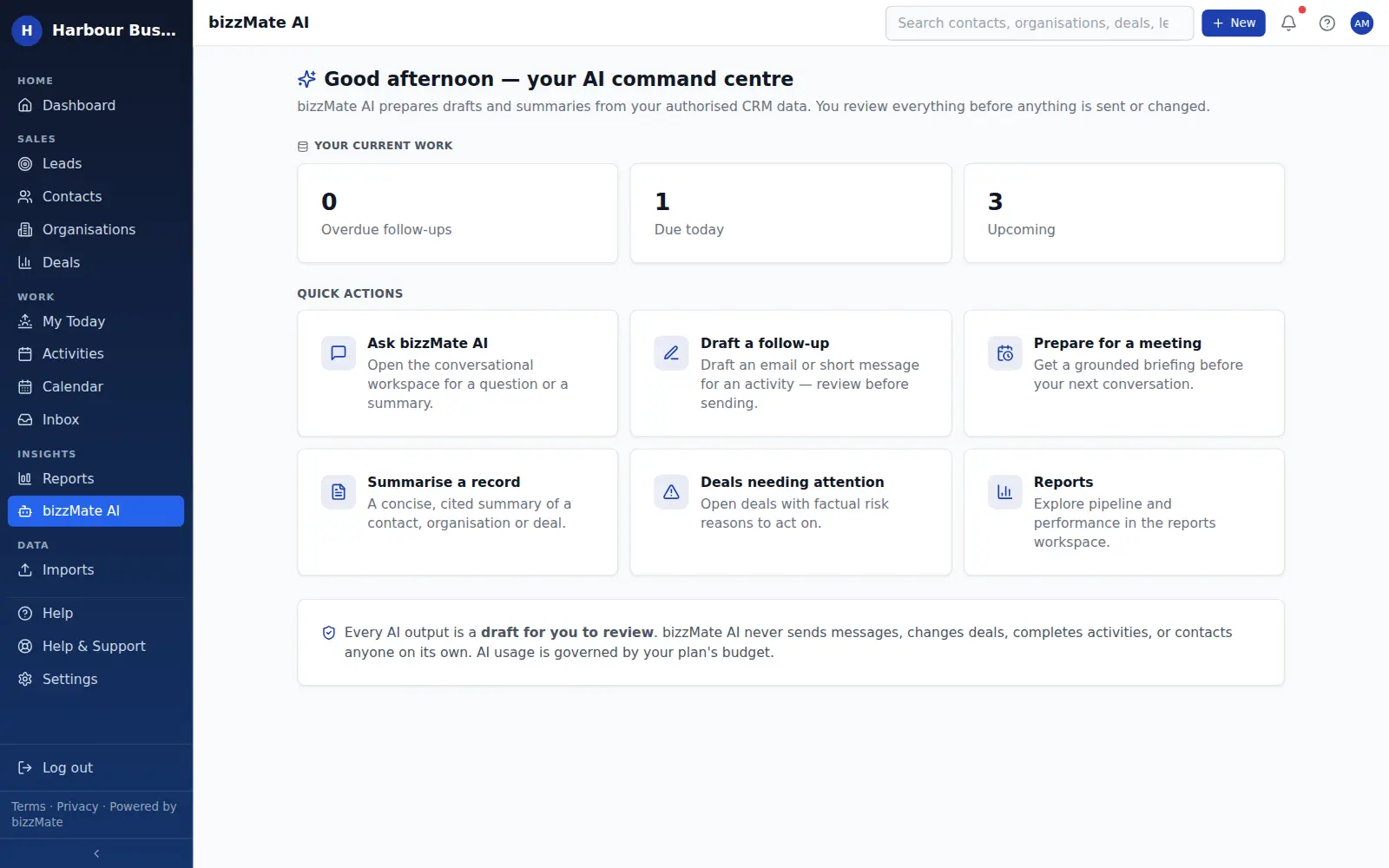
bizzMate AI can read a record you are authorised to see and give you a concise, grounded summary of what has happened and what is outstanding — useful when you have two minutes before a call and eighteen months of history.
It is a draft for you to read, not a decision. AI never sends, changes or acts on its own.
What changes
What you should expect.
Concrete outcomes, not a promise about revenue growth we have no way to make.
- The full history available before every conversation
- Relationships that survive people changing roles
- One place for the people, the companies and the opportunities
- Follow-ups attached to the relationship rather than a separate list
- Context you can summarise in seconds when you are short of time
Frequently asked questions
- What is customer relationship management software?
- It is software that keeps the record of who your customers are, what you have discussed and what happens next, in one place the whole business can use. Our guide to what a CRM is explains it in more depth, without the jargon.
- How is this different from a contacts app?
- A contacts app stores people. A CRM stores the relationship: the company behind the person, the opportunities in play, the full interaction history and the next action — and makes all of that shareable across a team.
- Does bizzMate connect to my email?
- Each user can connect their own Microsoft 365 mailbox so recent email appears against the right records. It is a read-only sync — bizzMate does not send, reply to or delete email on your behalf.
Your customers are moving.
Your CRM should keep up.
Start organising your contacts, deals and follow-ups in one clear workspace.
No credit card required.